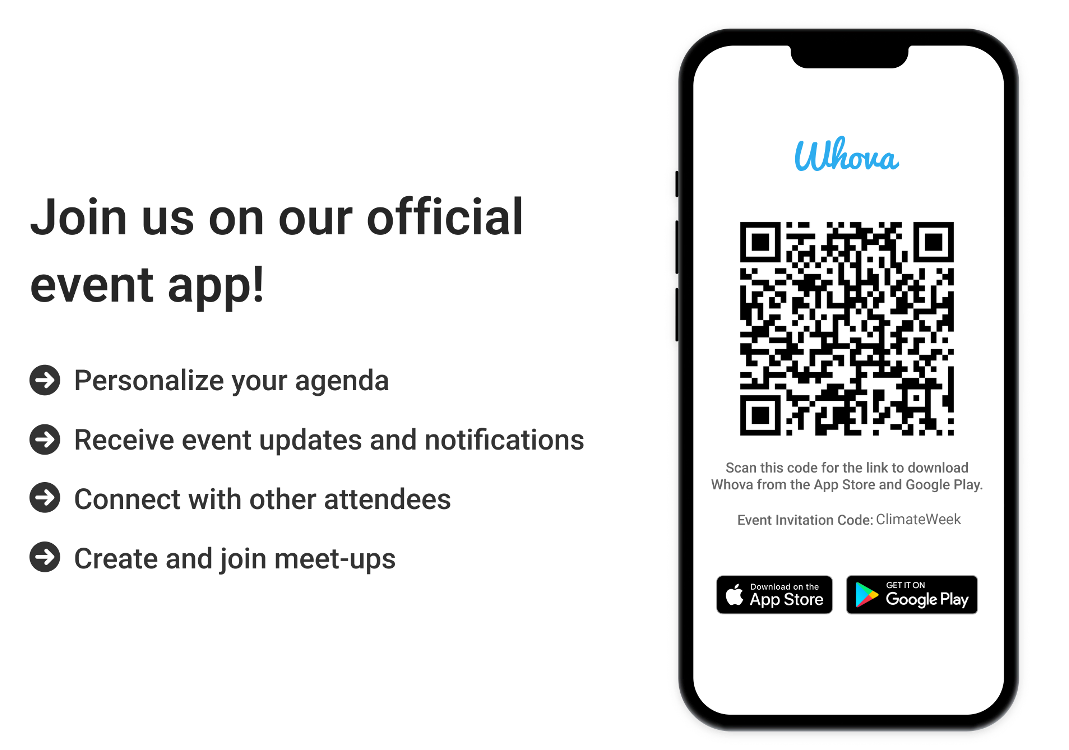
Ready to attend University of Michigan Climate Week 2025?

We recommend using Whova for easy access to the full calendar of events, livestream links, slides and more. With Whova, you can:
- View the full calendar of events and plan your personal schedule
- Access livestream links, documents and slides shared by organizers or speakers
- Find who else is attending events, reach out to people ahead of time and plan social activities with fellow attendees
- Check in at events to be entered into giveaway drawings
- Receive updates such as last-minute session changes from the organizers
Already have a Whova account?
- Double-check that it is installed on your phone.
- Log in using your existing account email and password.
- Go to “Explore Events” and search for “Climate Week.”
- Type in ClimateWeek in the Invitation Code field (it is case sensitive).
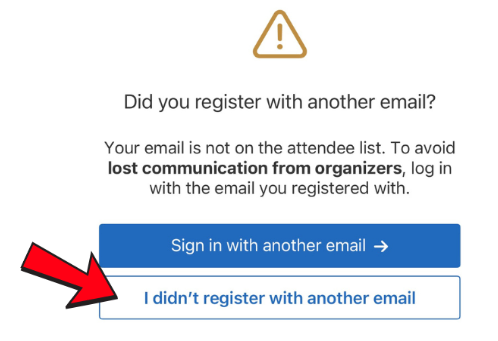
- If you see the following screen, select “I didn’t register with another email.”
Never used Whova and not on the planning or coordinating committee?
- Download the Whova app to your phone or use the web app link.
- You will be asked to sign up for a Whova account.
- Enter your email and create a password, then verify the account using two-factor authorization. A verification code will be sent to your email. Please check your inbox and spam folder for the code.
- Back in Whova, go to “Explore Events” and search for “Climate Week.”
- Type in ClimateWeek in the Invitation Code field (it is case sensitive).
- If you see the following screen, select “I didn’t register with another email.”